Weigh-Price Labeling vs Weigh-Print-Apply: Functions, Data and Compliance
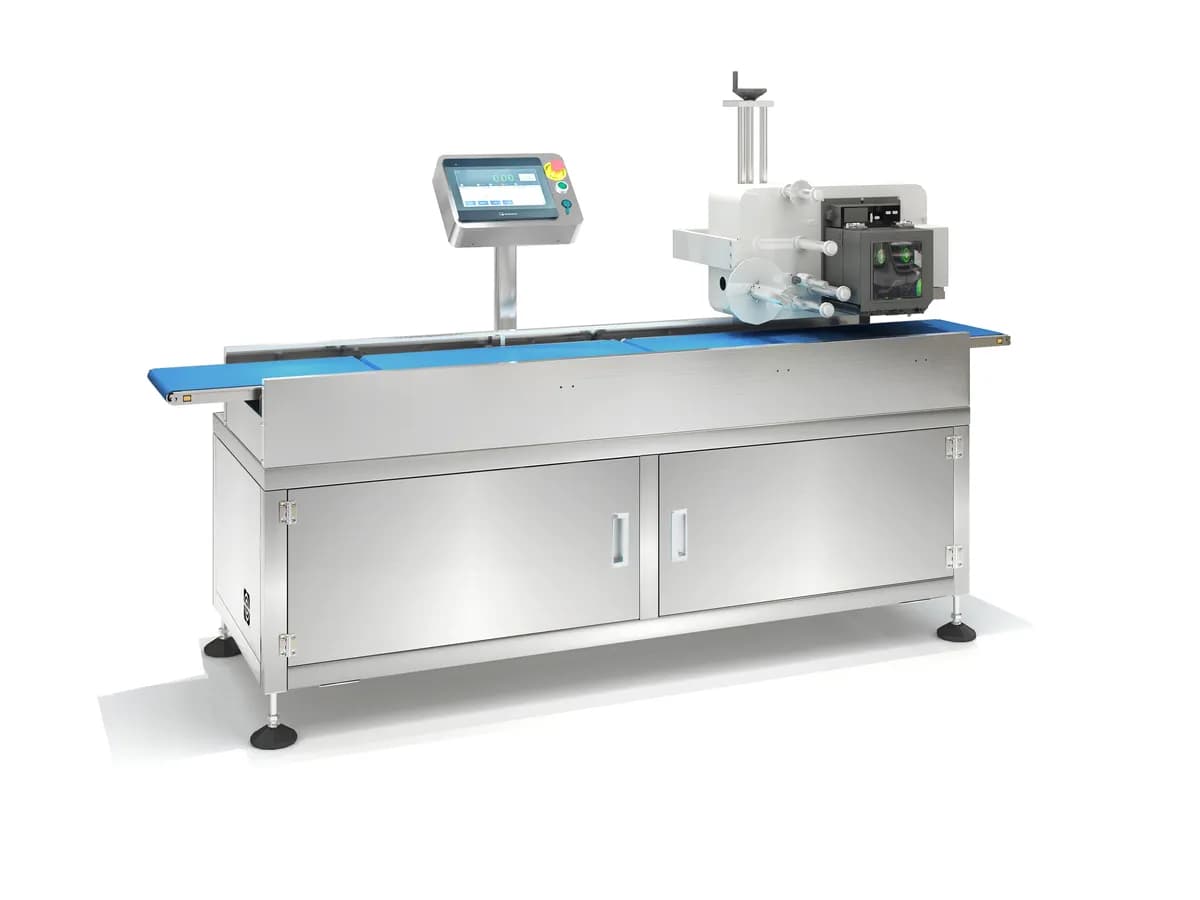
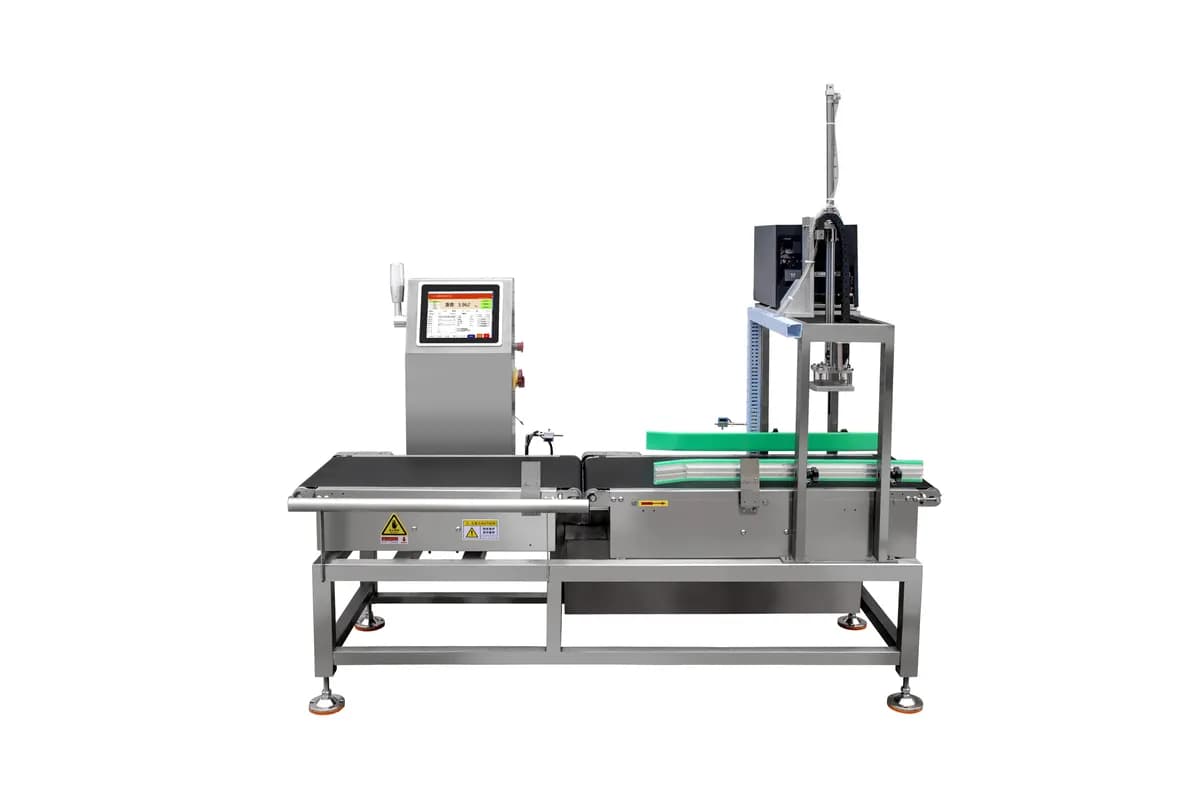
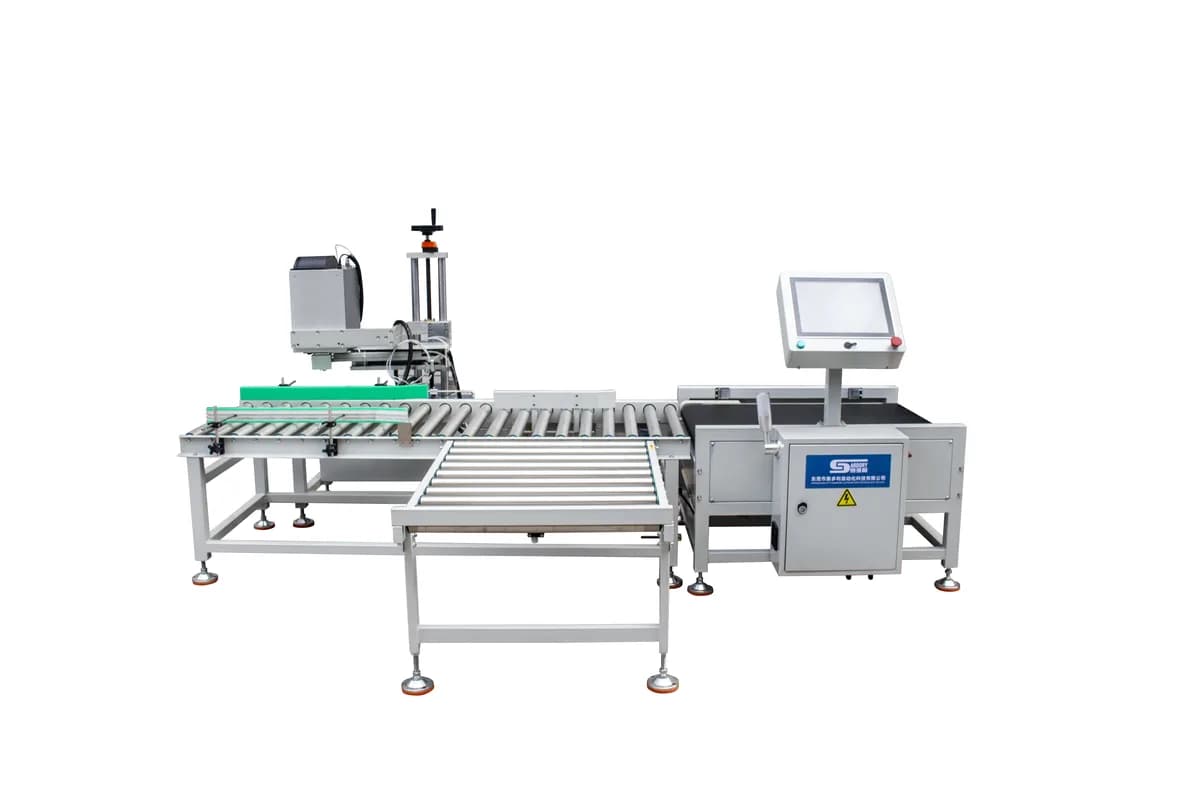
A weigh-print-apply system captures weight and prints or applies configured data. A weight/price labeler also calculates selling price from weight and unit price, which can trigger legal-metrology requirements. Use this comparison to define the exact function before buying hardware.
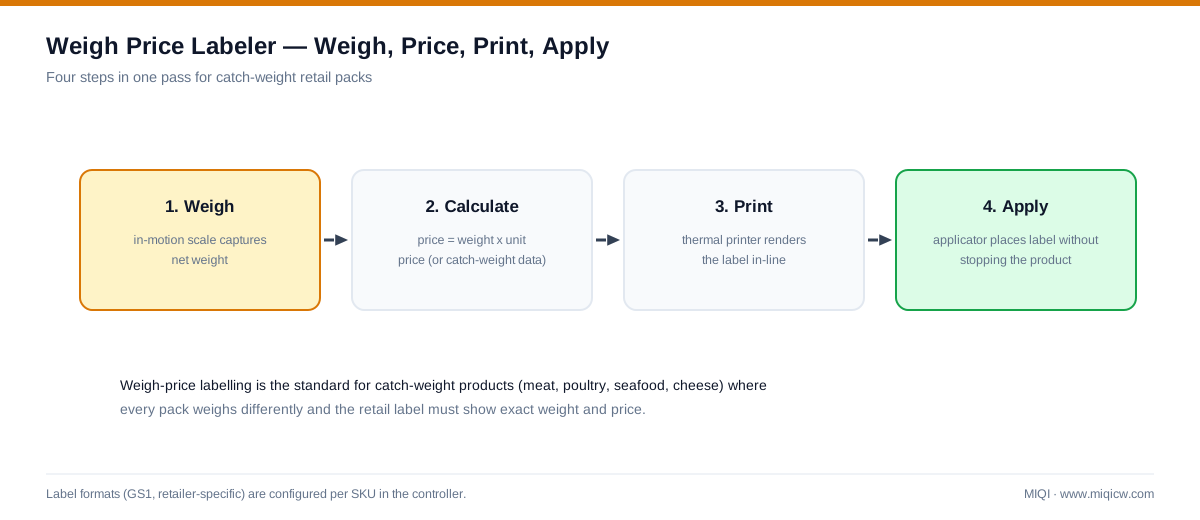
The machines can look similar but the commercial function is different. A weigh-print-apply system measures or receives weight, builds a label from configured fields and applies it. A weight/price labeler calculates selling price from net weight and a unit price, then prints the transaction information. That price calculation can make legal-metrology approval central to the project.
Compare weighing, printing and labeling systems by label position, product surface and required data fields. For parcel operations, In-Motion Parcel Weighing and DWS Integration: What Each Module Does shows which system owns the weight, identity and dimensional data before a label is released.
Functional comparison
| Function | Weigh-print-apply | Weight/price labeling |
|---|---|---|
| Measure or receive weight | Yes | Yes |
| Print barcode, batch or logistics data | Yes | Usually |
| Apply label automatically | Project-dependent | Project-dependent |
| Calculate selling price from unit price | Not inherent | Core function |
| Catch-weight production record | Possible with defined software fields | Common use |
| Legal-metrology relevance | Depends on use | Often material for retail transactions |
Catch weight versus fixed weight
A fixed-weight SKU declares the same nominal quantity on each pack and is normally controlled by filling and checkweighing. A catch-weight product varies naturally, so each pack carries its own measured net weight and may also carry a calculated price. Meat, poultry, seafood and produce are common examples, but equipment suitability depends on package, hygiene, label position and the governing transaction rules.
Top, side and non-contact application
Top application suits stable trays and cartons with a clear upper surface. Side application suits outer boxes when the label must face a scanner or pallet operator. A non-contact arrangement can reduce mechanical contact with delicate packs. Supply photographs, dimensions, surface material and required label position before selecting an applicator.
Data fields to agree
- Gross, tare and net weight source.
- SKU, lot, date, operator and line identifiers.
- Barcode symbology and human-readable text.
- Unit price and price-rounding rule if price is calculated.
- MES, ERP or WMS interface ownership and protocol.
- No-read, no-label, printer-fault and reject behaviour.
- Audit record, user permissions and recipe-change control.
MIQI product documents support weigh, print, scan and label project functions on listed models. They do not by themselves prove OIML, MID, NTEP or another legal-for-trade approval. Confirm the exact certificate before using a system for retail price calculation.
Continue your equipment evaluation
Automatic weigh-print-apply systems — compare top, side, scan and non-contact models
Parcel weigh-scan integration — for warehouse shipping labels
Weight grading equipment — for multi-class food sorting before packing
Technical references
Related equipment