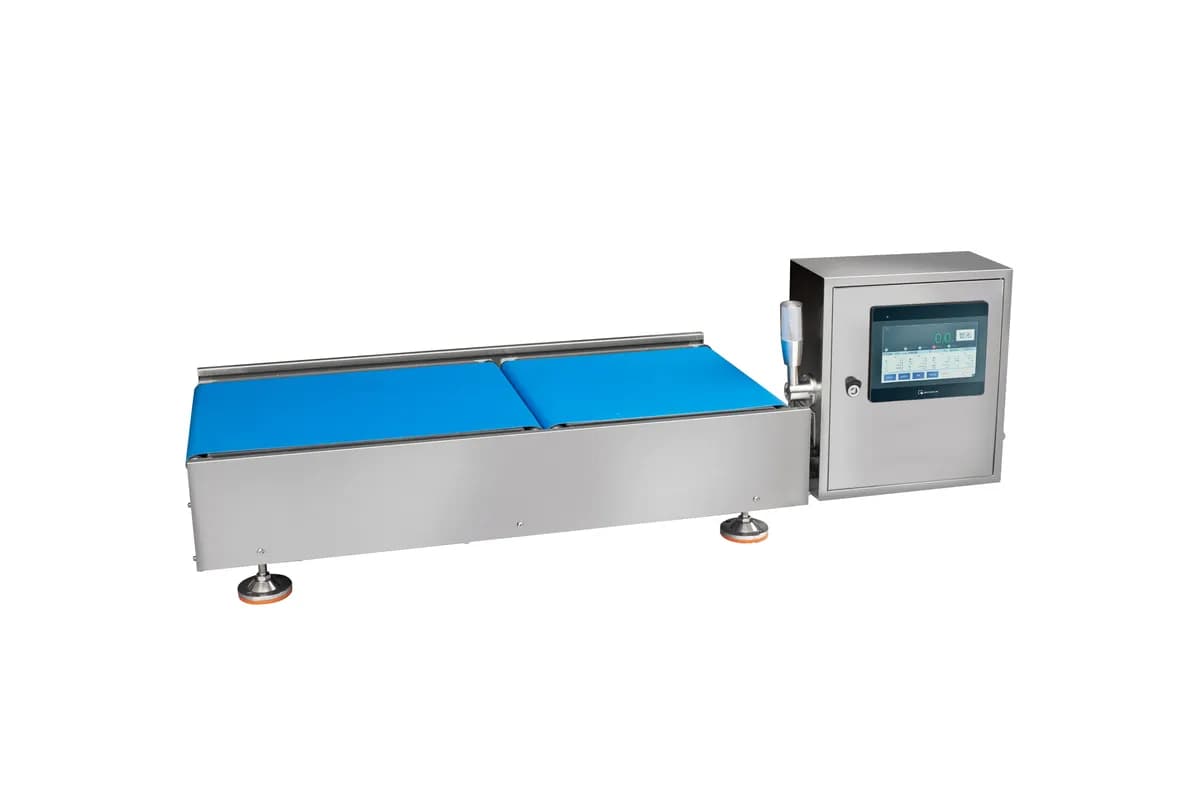
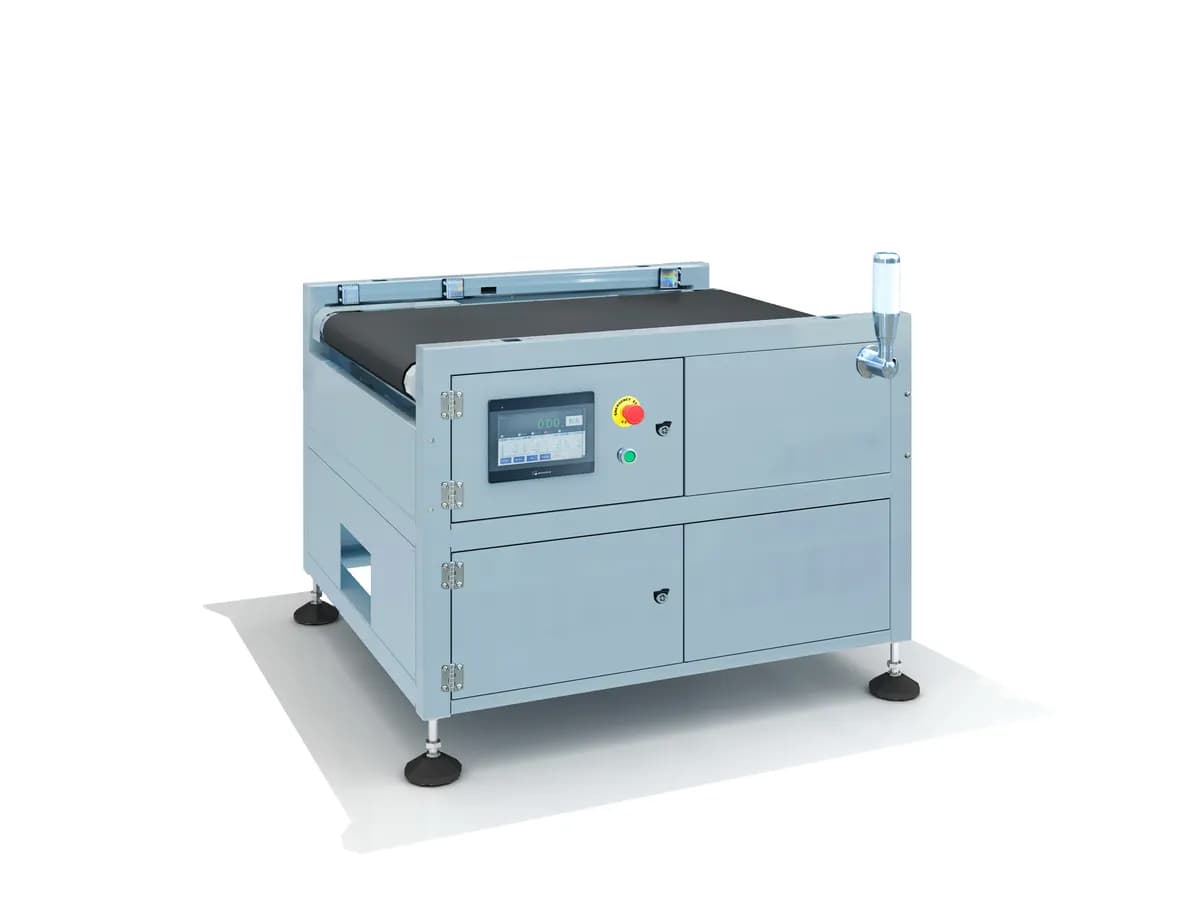
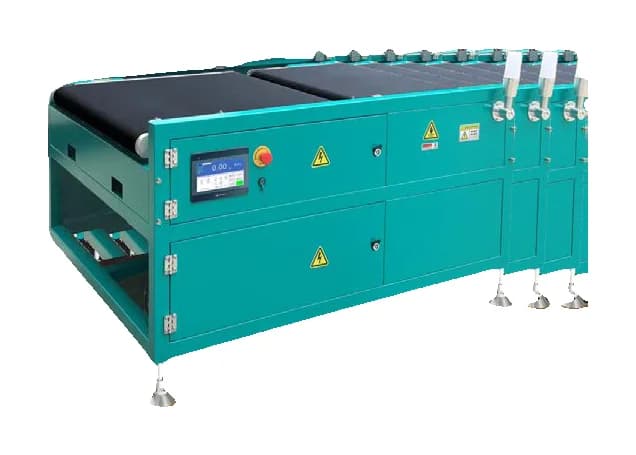
In-Motion Parcel Weighing and DWS Integration: What Each Module Does
A dynamic parcel scale captures actual weight; a dimensioner measures length, width and height; a scanner binds the record to a parcel ID. This guide shows how to specify the weighing conveyor, data interface and optional print, label and sort functions without confusing a scale with a complete DWS cell.
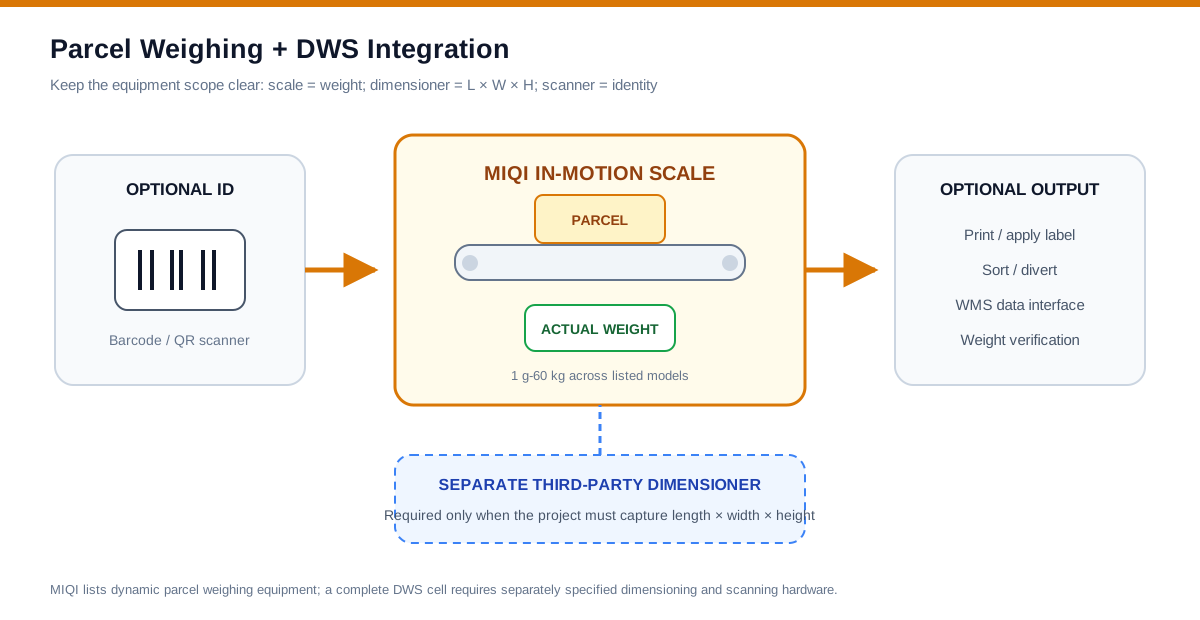
DWS means dimensioning, weighing and scanning. Those are three different measurements. A parcel weighing system captures actual mass; a dimensioner captures length, width and height; a scanner captures identity. MIQI's documented logistics models supply the in-motion scale and conveyor-control core, with optional barcode, print, label and sort functions. A separate dimensioner is required when the project needs dimensional weight.
Choose in-motion logistics weighing systems for the actual-mass and conveyor stage, with dimensioning specified separately when required. If standard conveyor layouts or interfaces do not fit, discuss custom weighing and inspection systems against an agreed project scope, with dimensioning and any certification requirements assessed separately. If the measured result must appear on a shipping label, Weigh-Price Labeling vs Weigh-Print-Apply: Functions, Data and Compliance helps define the print data and application interface.
Module-by-module project scope
| Module | Primary output | Key inputs to specify |
|---|---|---|
| Dynamic parcel scale | Actual weight | Range, accuracy, platform size, speed, spacing |
| Dimensioner | Length, width, height and volume | Object geometry, colour/surface, conveyor arrangement, certification needs |
| Barcode scanner | Parcel ID | Symbology, label position, read rate, no-read logic |
| Printer / applicator | Human- and machine-readable label | Label format, print fields, side/top location, apply method |
| Sorter | Physical destination | Lane count, parcel mass, decision source, confirmation |
| WMS / carrier interface | Matched data record | Protocol, fields, timestamps, retry and exception rules |
Static versus in-motion parcel weighing
A static parcel scale suits manual packing stations, irregular handling and lower throughput because the operator places and settles each parcel. An in-motion parcel scale belongs in a conveyor flow where every parcel is spaced and weighed without stopping. In-motion selection depends on platform length, transfer stability and actual line speed; the heaviest range alone is not enough.
Use expected weight for e-commerce order verification
A parcel weight verification workflow can compare the measured carton with the expected weight calculated from order contents and packaging. It can flag missing or extra items even when the shipment remains within a broad carrier weight bracket. The tolerance must include normal product and packaging variation, and the WMS must own the expected-weight logic.
Commissioning checklist
- List minimum and maximum parcel weight and footprint, including unstable polybags.
- Measure real peak throughput, conveyor speed and minimum gap.
- Define whether the target is shipping verification, billing data, sort control or all three.
- Provide barcode samples and identify every label orientation.
- Document data fields, system ownership, timeout, duplicate and no-read behaviour.
- Run representative parcels at speed and reconcile weight, ID and physical destination.
- Keep actual-weight calibration separate from dimensioner certification and carrier divisor rules.
The presence of DWS integration language does not mean the listed MIQI parcel scales measure L × W × H. Dimensioning hardware must be separately identified and validated in the project scope.
Continue your equipment evaluation
In-motion parcel weighing models — compare 5 kg, 50 kg and 60 kg systems
Weigh-print-apply labeling — add print and label functions after weighing
Custom conveyor and WMS integration — define a project-specific data path